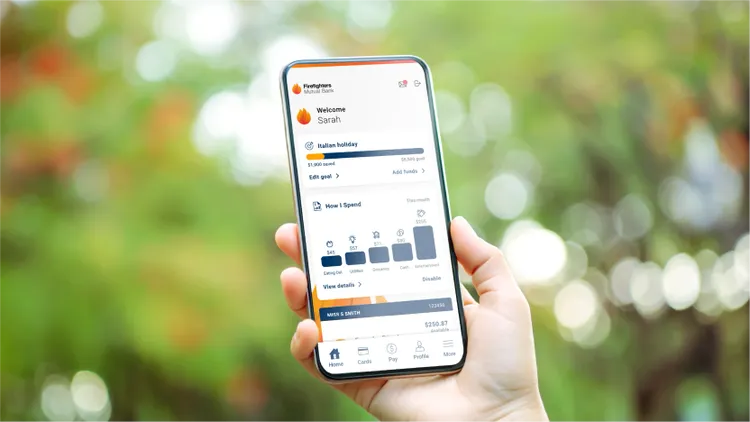
Pay online quickly and securely with Click to Pay
- Enhanced security
Your card details – including your card number, expiry date and CVC – aren’t shared with the online store so your payment information is kept safe and secure. - A faster checkout experience
No need to manually type in your card details or personal information when you shop online. - Convenient
Whether you’re making purchases on your smartphone, tablet or PC, Click to Pay makes it easier to shop online.
1. Select Click to Pay at checkout
2. Choose your preferred Firefighters Mutual Bank debit or credit card
3. Confirm your purchase and check out.
You may need to verify your email address or mobile number the first time you use Click to Pay.
If you do not want to be included in the service, you can opt out at any time by contacting us on 1800 800 225 or visiting us in branch.
Firefighters Mutual Bank will automatically update your profile with any eligible cards you have, if you are issued a new Visa Debit or Credit card, or your existing card is replaced following being lost or stolen.
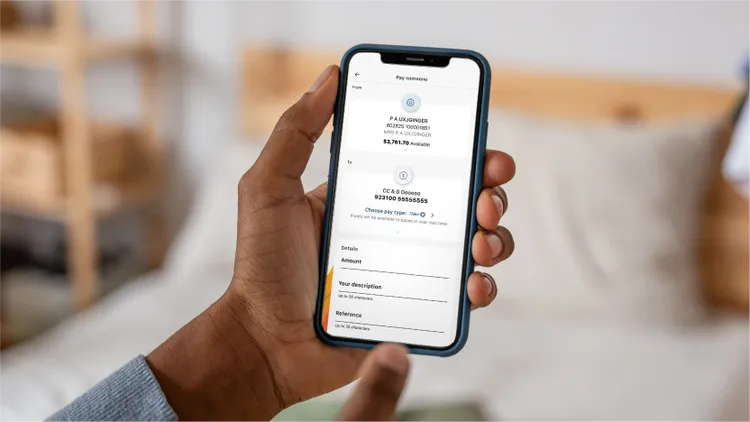
Osko® payments made easy
Osko by BPAY® lets you send and receive money in near real time – whether you’re paying to a PayID or an eligible BSB and account number. Osko uses encrypted, bank grade security and multifactor verification through your banking app to help protect every payment. You’ll see Osko or the Osko logo whenever a payment is made using this service.
Set up your payments
Manage your payments

Are you experiencing financial difficulty?
If you find yourself under financial pressure, there’s a good chance we can help. Whatever the issue, let’s talk it through.